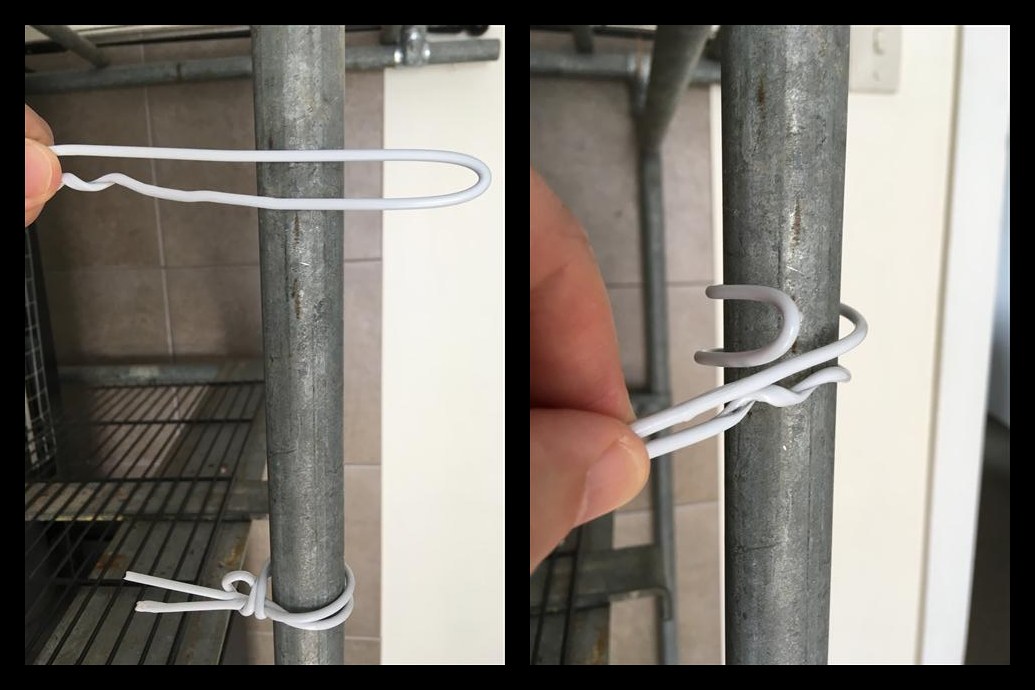
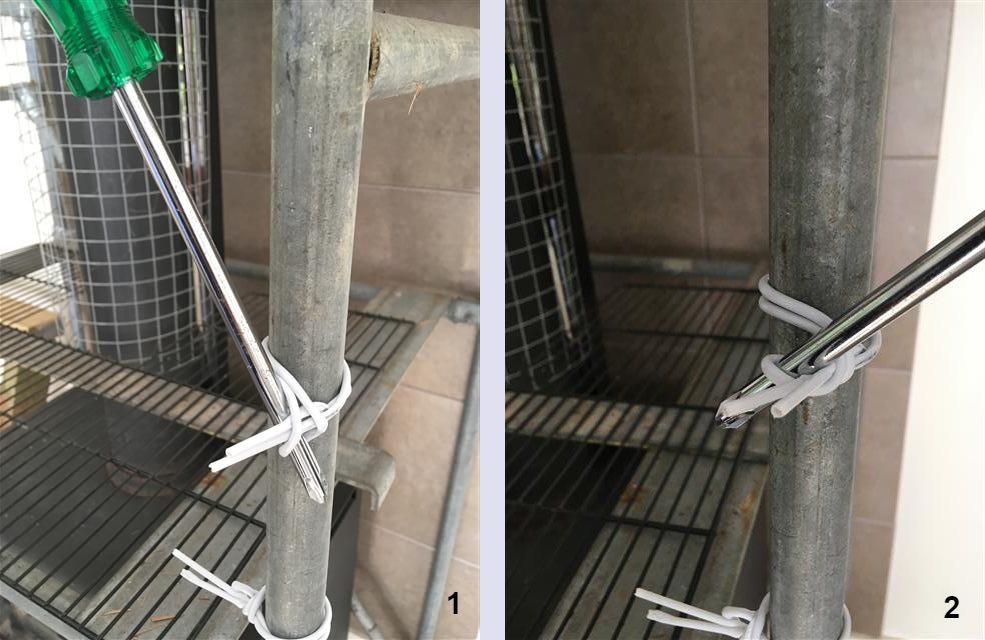
I just posted a thread in which I would’ve preferred to put the steps/photos in the body of the post - both to correct the alignment (keep portrait) and to allow them to be seen together (instead of having to open them one one at a time). However I do not have any on-line storage and don’t wish to sign up for any (this is the only place on the internet where it would be useful to me).
I’ve found that this is possible if I post them initially as attachments, then use their url in ‘Insert Image’ mode. Here’s an example:
[Edit: Added a second image, and reduced both to half size (225x300) to see if they stack side-by-side or not. Answer: No.]
[Edit2: Try 180x240 for the first image]
Yeah, I thought when I posted it that it was a tad bigger than I wanted or needed.
Experimentation reveals that manipulating the string can bring the displayed size down (but I doubt that it takes up less storage).
So, the example above was 450x600 and I edited it to be 225x300. You can still click on it and see it larger, but for a series of steps the smaller size would be much easier to take in.
Seems like there’s no way to utilize the full width of the screen, either by having multiple images across or by having text beside instead of underneath the images. Not a big problem, but if anyone happens to know a way to achieve this, or comes across a post that has done it, let me know.