SUGGESTIONS FOR IMPROVED PHOTOGRAPHY ## - my own included 
In looking over the many photos posted on this forum, it occurred to me that most are of a poor quality (apologies to all those who are offended by this remark).
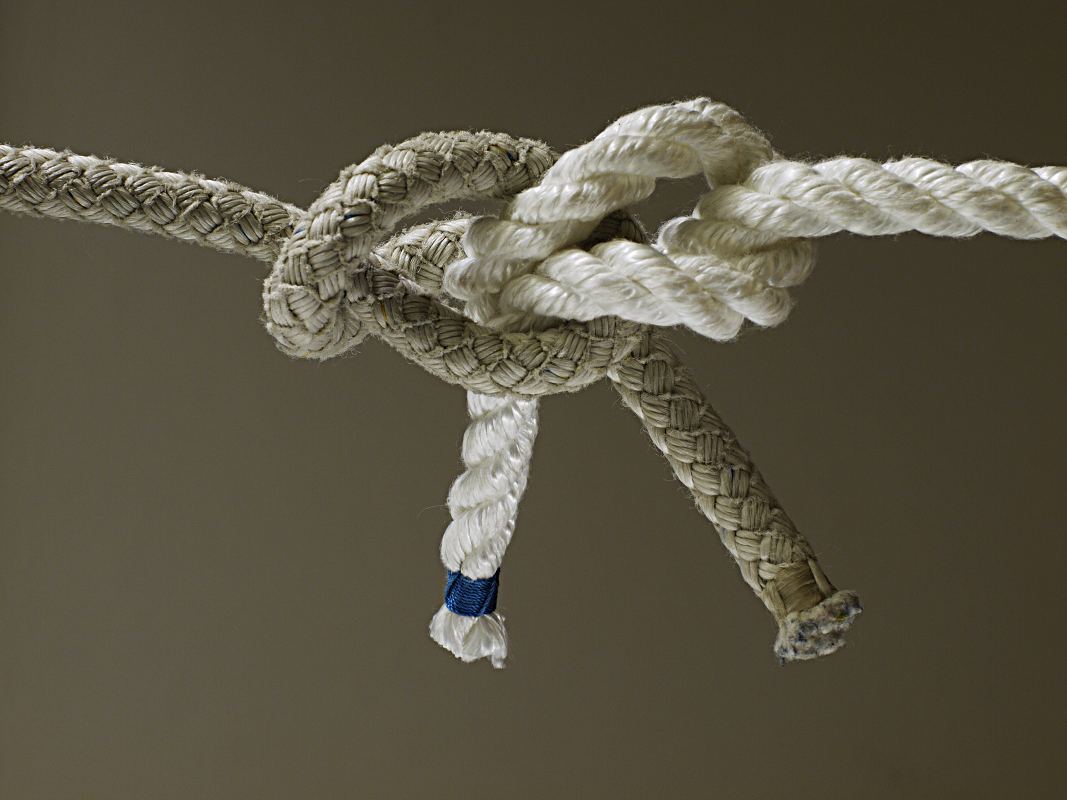
The problem is the background.
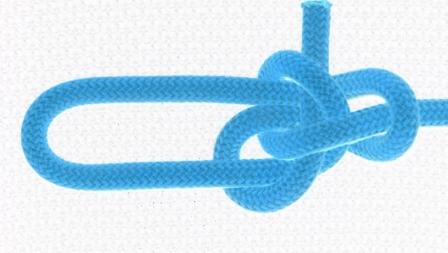
If you only want your subject material to be visible (ie the knot) and nothing else in the image area - you must shoot against a white background and you must have high intensity lighting.
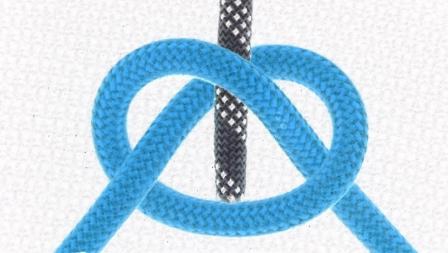
Obviously, the color of your rope/cord is a factor - eg yellow might not be easy on the eyes if it is against a white background. But despair not - for there a vast number of colored ropes and cords to choose from. Many of the photos I posted in this forum use blue rope - and this seems to contrast well. If you are trying to show the structure of a bend, again it is important to choose 2 colors that contrast well.
EDIT: In my opinion, simple plain colored ropes/cords are generally a better choice. Patterned ropes/cords can be distracting to the eye of the beholder.
Yes, I have been hasty on some occasions and used yellow but heh, I’m human and get things wrong too.
The other factor to consider is the cost of printing. If you shoot against a white background, it is easy on the toner/ink - in that, the printer will only print the knot structure and not the gray-scale background too.
For example, I have produced some technical study guides which have been converted to Adobe PDF format. People sometimes might want to print those guides in hard copy. There is a huge savings on toner/ink if the printer only has to print the knot structure - with nothing in the background.
How do you think studio photography is done? They setup photo shoots against a white background with plenty of illumination from different angles. Of course, sometimes magazine shoots might want a particular background (eg blue to simulate a nice blue sky). There are easy ways to achieve a white background using commercial software - but many on this forum probably don’t have ‘Photoshop’ etc. There is free software on the net - such as GIMP. But you have to learn how to use that software.
If you want to minimise costs, simply shoot against a white background and then you can easily change the image settings in whatever (cheap or free) software you happen to be using.
Shadows:
Okay, this is a tricky one. Obviously, when shooting against a white background, you might have issues with shadows. There are ways to avoid shadows… Use 2 high intensity light sources aimed at different angles (that’s what I do), or, take your photos outside in natural sunlight. When shooting outside, pay attention to where the sun is and how it casts shadow. Angle your shot so the shadow is cast out of the background - or off to one side. The proximity of your specimen knot to the white backboard will determine the intensity of the shadow. The closer you position the knot to the white backboard, the more intense the shadow.
Because I produce a lot of technical manuals - I have been forced to consider the implications of the background in all images. In many of my earlier manuals, the background had clutter or other ‘noise’. Remember, when someone prints that image, the printer will also print the background and thereby waste toner/ink. it also doesn’t look professional.
I’m not suggesting that you need all of your work to be of a ‘professional’ standard I’m merely offering a way to improve your photos of knots.
Here is a link to an interesting site: http://www.theswitchboards.com/forum/tutorials/article/8-taking-professional-looking-photos-without-a-professional
Note that the author suggests not to use a flash, but i would suggest to try with and without the flash and compare results. I have sometimes found the flash gives better results - depending on how close you shoot to the knot specimen.
If you are trying to post a new knot or start a discussion on a particular knot, it really does make a difference if others can easily see your work.
Mark